

I may just be starting, but so far editing my WordPress site felt like walking a tightrope without a net. I’d log into the admin panel, navigate to the theme editor, make a change, and click “Update File” with a sense of hopeful dread, praying I hadn’t just unleashed the infamous White Screen of Death. This “cowboy coding” approach—making live edits without a safety net—is a familiar gamble, but it’s simply not sustainable for serious development.
I knew there had to be a better way and my goal was to build a modern pipeline that would allow me to experiment safely and develop efficiently, mirroring the processes I use every day as a software engineer. This is the story of how I built that workflow.
Part I: The Sandbox – A Local Fortress of Solitude
The first step was to create a safe space, a digital doppelganger of tonytotal.com where I could break things without consequence. For this, I chose Local by Flywheel. It promised to spin up a complete WordPress environment on my CachyOS machine, and after a quick install via the AUR, it delivered.
With the environment ready, I used the “All-in-One WP Migration” plugin to perform the digital equivalent of teleporting my live site to my local machine. One .wpress file later, I had a perfect, private copy to work on and the public-facing site remained untouched, and I was free to experiment.
Part II: The Safety Net – Implementing Version Control with Git
With a sandbox in place, it was time for a safety net. If I was going to make significant code changes, I needed a way to track them and, more importantly, revert them if something went wrong. This is precisely what Git and GitHub are for. Git is like a time machine for your code, and GitHub is the cloud-based garage where you park it.
I navigated to my theme folder in the terminal, initialized a Git repository, and made my first commit. I then created a private repository on GitHub to serve as the central source of truth and pushed my initial code. My theme was now backed up and version-controlled—a crucial step toward a more professional process.

Part III: The Automation – The Push-to-Deploy Puzzle
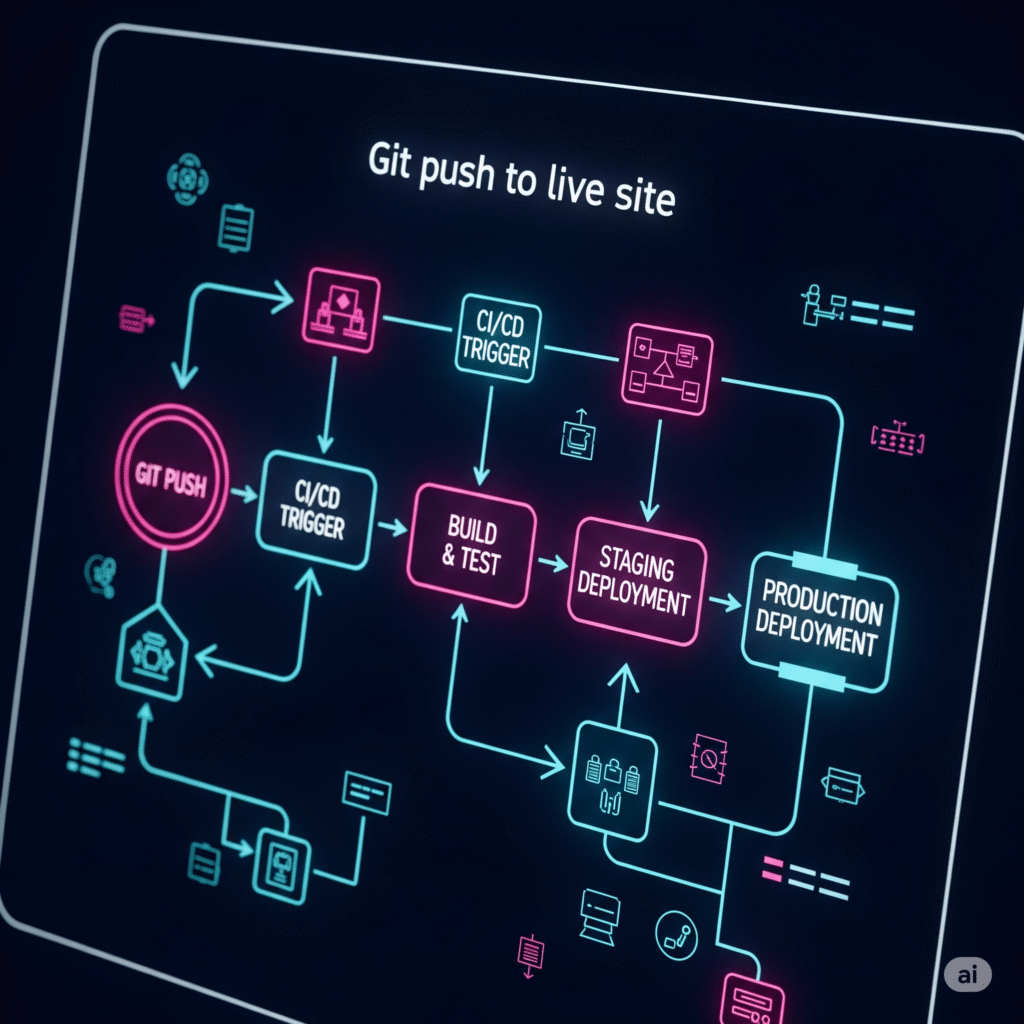
This is where the real challenge began. I wanted the ease and power of modern web development flow: a system where a push to my repository would automatically update the live site. I chose DeployHQ to bridge the gap between GitHub and my Hostinger server, which led me through a series of technical trials.
First, GitHub’s authentication rejected my standard password, requiring a Personal Access Token (PAT) for security—a modern standard I quickly adopted. Next, my server connection failed with an SFTP channel could not be opened error. After some investigation, the culprit was Hostinger’s firewall, which required me to whitelist DeployHQ’s IP addresses before it would accept the connection.
The final hurdle was the most elusive. Even with a successful connection, DeployHQ reported it couldn’t create a test file, citing an invalid path: no such file -> Make sure the deployment path exists. I checked permissions and tried every path variation I could think of. The breakthrough came from understanding Hostinger’s specific server structure. The correct path wasn’t relative to the server root, but to my “jailed” user directory, requiring a specific prefix:
domains/tonytotal.com/public_html/wp-content/themes/twentytwentyfive/
With that final piece of the puzzle, the connection test glowed a satisfying green. The pipeline was complete.

Conclusion: A Workflow That Works
What started as a frustrating series of hurdles ended in a smooth, automated workflow. Now, my development process is simple and safe: I edit in my local environment, commit the changes with Git, and deploy to the live site with a single git push command.
This setup does more than just make my life easier; it builds a foundation for professional, scalable development. The next time a client asks about my process, I can confidently discuss version control, local environments, and automated deployments—a far better answer than, “I just hope I don’t break anything when I hit ‘Update’.”